
Report a concern
How to escalate a security or privacy issue, what to include, and what happens after you report it.
If something in Konsaro looks wrong from a security or privacy point of view, report it right away. You do not need to be sure. A false alarm costs a few minutes; an unreported problem can cost much more.
What to report
- A sign-in you did not make, or a sign-in code or email you did not request.
- A lost or stolen device on which you were signed in to Konsaro.
- A paper, agenda item or meeting you can see but believe you should not, or one that someone else can see who should not.
- A suspected vulnerability in Konsaro or on konsaro.com.
- An email or message that asks for your Konsaro password or codes. Konsaro never asks for them.
Act now on your own account
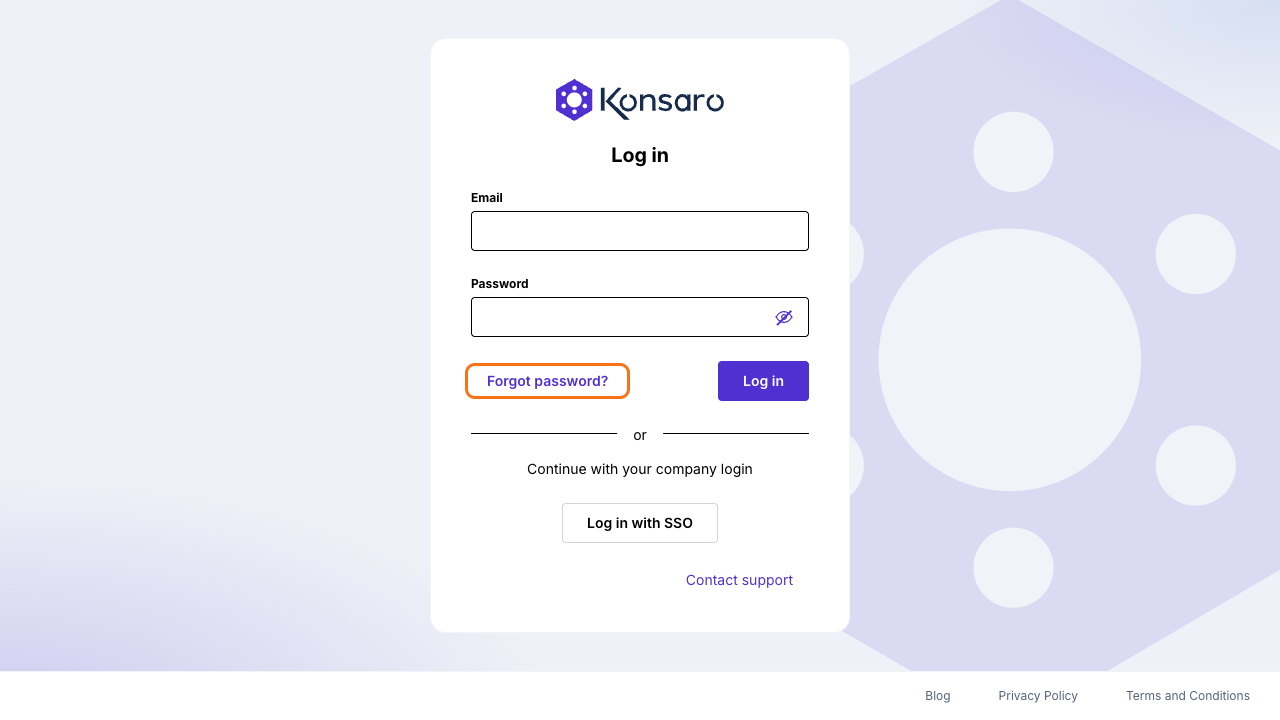
- If you suspect someone else signed in as you, set a new password with Forgot password? on the sign-in page, or ask your IT team if you sign in with your company account.
- If your device is lost, tell your organisation admin so they can check the audit log for activity on your account.
- If you can see something you should not, do not open, download or forward it further. Note the meeting and the agenda item.
- Tell your board office or organisation admin what happened. They can check access settings and the audit log for your organisation.
- Report it to the Konsaro team as described below.
Report it to the Konsaro team
Email info@softwarevision.ch and put "Security" in the subject. Describe what you saw, when it happened, and the steps to reproduce a vulnerability if there are any. Name your organisation and the board or committee concerned. Do not attach board papers, passwords or sign-in codes; we never need them.
What happens next
We confirm that we received your report, look into it and tell you what we found. If a personal data breach affects your organisation, Software Vision AG informs it without undue delay and within 48 hours, and gives it what it needs for its own reporting duties, as set out in the data processing agreement.
Was this page helpful?