
AI minutes from a Teams or Zoom transcript: 7 steps
—9 min read
A transcript from Teams or Zoom is a good starting point for board minutes, not the minutes themselves. Download it as a .vtt or text file, give the AI one agenda item at a time with its title and the notes you already have, and ask for a draft in your house style. The secretary then checks every decision, every name and every number against what was actually agreed, before the chair signs.
Where do you get the transcript?
In Microsoft Teams, if transcription was switched on, the transcript appears in the meeting chat under Recap, and can be downloaded as a .docx or .vtt file. By default, the organisers and co-organisers can download it. Microsoft notes that all participants see a notification that the meeting is being transcribed.
In Zoom, audio transcription for cloud recordings produces a separate VTT file in the list of recordings. It requires a paid Zoom account with cloud recording and audio transcription enabled. For in-person meetings, a recording app or a dictation device can produce a similar file.
Before the first board meeting with a transcript, agree it with the board. Recording and transcribing board deliberations is a decision for the chair and the board, not for the secretary alone. The post on consent for AI meeting recorders in Switzerland and Germany covers the legal side.
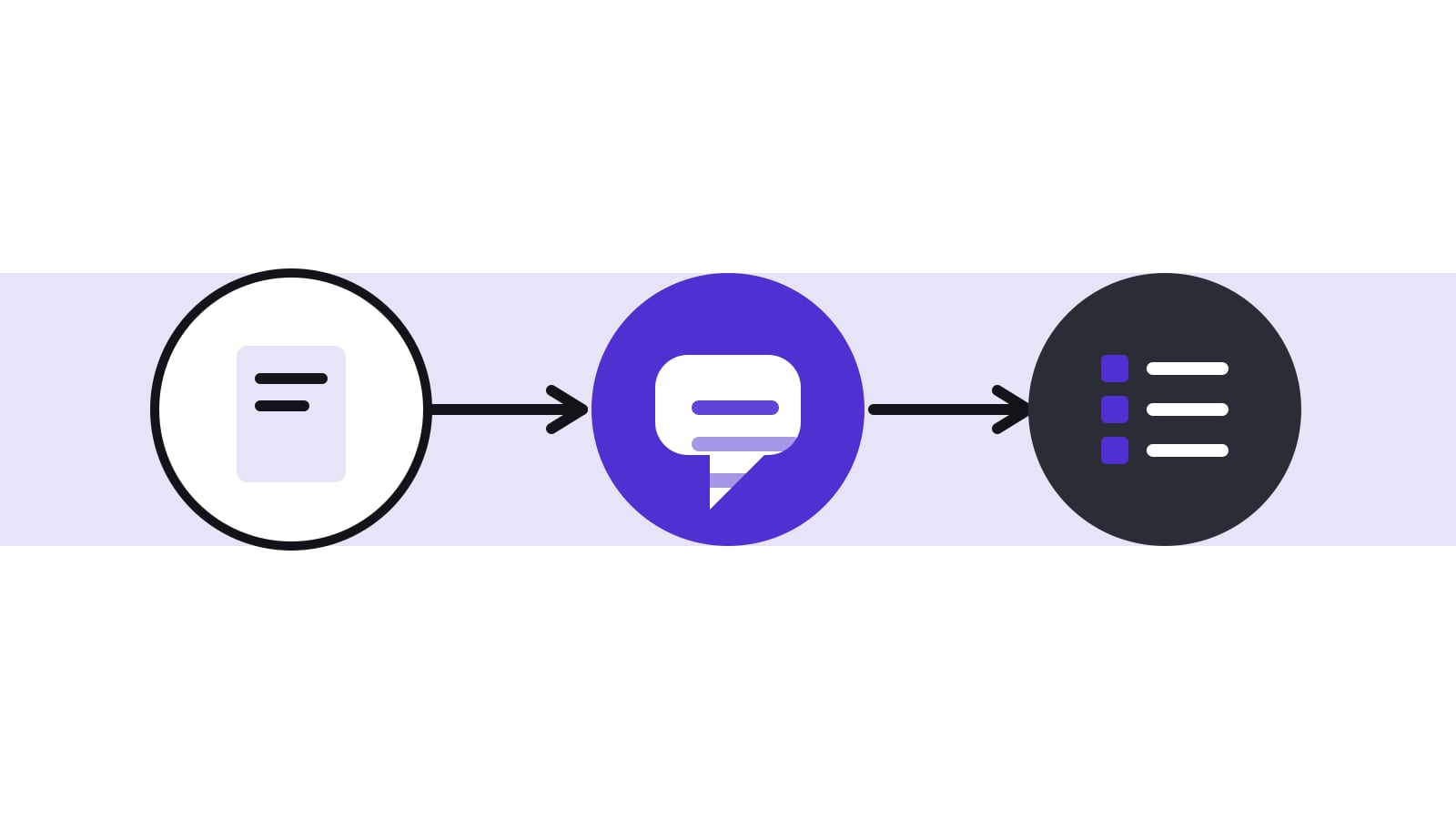
What are the seven steps from transcript to minutes?
The sequence below assumes a board with a secretary or board office. Each step has an owner, so nothing depends on a single person's memory.
| Step | What happens | Owner |
|---|---|---|
| 1. Agree | The board decides whether meetings are transcribed, who may start it and how long files are kept | Chair and board |
| 2. Prepare | The agenda items carry a clear title, type and description; the secretary has a style example | Board secretary |
| 3. Capture | Transcription is switched on at the start; participants are told; the secretary takes short notes of decisions and votes | Board secretary |
| 4. Export | The .vtt or .docx file is downloaded by someone with the right to do so and stored in the board's own space | Organiser |
| 5. Draft | The AI produces one draft per agenda item from the item's details, its transcript section and the notes | Board secretary |
| 6. Check | The secretary checks every decision, vote, name, number and task against the notes and the papers | Board secretary |
| 7. Sign off | The chair reads the draft, the minutes are approved and signed, and the transcript is deleted by the agreed rule | Chair |
Why not paste the whole transcript at once?
A two-hour board meeting produces a long transcript with side remarks, interruptions and repeated points. Asked for "the minutes", an AI tends to summarise the conversation evenly and miss what matters: who presented, what was decided, what remains open. Working per agenda item keeps the AI focused and the draft structured.
| Input | Why it helps |
|---|---|
| The item's title and type, such as information, discussion or decision | Sets the expected structure of the minute |
| The item's description or proposal | Lets the AI recognise the decision text |
| The transcript section for that item | Keeps the draft to what was said on that item |
| Notes already taken during the meeting | Anchors the draft to what the secretary observed |
| Your house style, with one example minute | Keeps tone and length consistent |
What does a good instruction look like?
A short, specific instruction works better than a long one. Adapt this text to your house style:
"You are drafting one item of board minutes. Item: [title], type: decision. The proposal read: [text]. Use only the transcript section and the notes below. Write in the past tense, in three parts: a one-sentence summary of the discussion, the decision in the exact words that were adopted, and tasks with owner and due date. Name only people who spoke. If the transcript does not show the vote, write 'vote not recorded in the transcript' instead of guessing."
The last sentence is the most important one. An AI that is allowed to fill gaps will fill them, and a gap in a vote record is the worst place for a guess.
What does the draft change look like in practice?
The example below is invented. Muster AG's board discussed a loan to a subsidiary under item 5.
| Stage | Text |
|---|---|
| Transcript excerpt | "...so I think we can go with the 400 for the first tranche, Peter, you had a reservation? - Yes, only that the covenant is checked first. - Fine, then let us do the first tranche once the covenant is confirmed. - Agreed from my side. - Agreed. - Okay." |
| AI draft | "The board approved the loan of CHF 400,000 to the subsidiary. Peter Muster raised no further objections." |
| What the secretary finds | The transcript says "400" but not the currency or the unit; the notes say CHF 400,000. The approval is conditional on the covenant check. Only two members said "agreed" aloud; the third assent is not in the transcript. |
| Corrected minute | "The board approved a first tranche of CHF 400,000 for the loan to the subsidiary, subject to confirmation of the covenant by the CFO. Result of the vote: three in favour, none against, no abstentions (per the secretary's notes). Task: CFO to confirm the covenant, due [date]." |
Three typical errors appear in this one small case: a number without its unit, a condition lost in summarising, and a vote result that the audio cannot prove. They are the reason the check in step 6 cannot be skipped.
What should the secretary check?
- Decisions: is the wording exactly what the board agreed, including conditions?
- Votes: are the result, abstentions and any recusals correct?
- Names and roles: did the AI attribute statements to the right people?
- Numbers and dates: amounts, deadlines and percentages match the papers.
- Tasks: each task has an owner and a due date, and nobody was given a task they did not accept.
- Tone: the minute records positions and decisions, not every remark.
Art. 713 CO requires minutes of the deliberations and decisions, signed by the chair and the secretary. The signatures cover the content, whoever drafted it. An AI draft that has not been checked is not a minute.
What should never go from the transcript into the minutes?
Some content in a transcript belongs in the room only. Remove it in the check, before the draft is shared.
- Side remarks and jokes that carry no decision and could be misread later.
- Criticism of named individuals that the board did not decide to record.
- Sections held in a session without management, unless the board wants them in the minutes of that session only.
- Personal data of third parties that is not needed to understand the decision.
- Anything the chair asked to be taken "off the record".
The minute should let a reader understand what was decided and why, in the form the board is willing to defend later. The transcript is evidence of the conversation; the minutes are the board's statement of its decisions.
How do the common tools differ in what they give you?
Teams and Zoom produce a transcript. They do not know your agenda, your decisions or your house style, so the work above remains yours. A general chat assistant needs the item details pasted in each time, which is slow and easy to get wrong, and it must meet your rules on confidentiality. A board portal with a built-in minutes function can keep the agenda item and the transcript together. For a comparison of tools, see AI board minutes compared; for the transcript workflow without AI, see from transcript to signed minutes in 48 hours.
What about confidentiality?
A board transcript is one of the most sensitive documents a company can produce: it contains the discussion behind every decision, in the participants' own words. Before using an AI tool, check whether the provider stores the transcript, whether it uses the content for training, and where it processes it. Zero data retention explained shows what each promise means. Delete the transcript once the minutes are approved, unless the board has decided otherwise. The AI briefings post covers how to keep AI output tied to its sources, and the AI policy post shows where to write these rules down.
How does Konsaro's Minutes Copilot work?
Konsaro's Minutes Copilot works per agenda item. It receives the item's title, type and description, the meeting transcript as pasted text or a .vtt file, and any notes already written in the minutes. It also suggests tasks from the transcript, and each suggestion is accepted or dismissed by a person. The AI runs in the EU with zero data retention, board material is not used to train AI models, and the board office reviews every result before it is shared. More on the AI copilots page and the minutes and follow-up page.
Frequently asked questions
Can the transcript replace the minutes?
No. Swiss law requires minutes of the deliberations and decisions, signed by the chair and the secretary. A transcript is raw material.
Should the transcript be kept after the minutes are approved?
Usually not. Once the minutes are approved, the transcript adds risk without adding a record. Set a rule and apply it.
Does the AI get the speakers right?
Transcripts often label speakers, but not always correctly, especially in a meeting room with one microphone. Check every attribution.
Is it allowed to record a board meeting?
Only with the participants' knowledge and agreement. In Switzerland, recording a non-public conversation without the consent of the other participants can be a criminal offence (Art. 179bis and 179ter SCC). Agree the rule with the board in advance and record it.
How long should the AI draft take compared with writing the minutes by hand?
This depends on the meeting and on how clean the notes are, so no fixed figure is reliable. The saving comes from drafting; the checking still takes the time it takes, and it should not be shortened.
Can I use the same prompt for every agenda item?
Yes, as a base. Change the item details and the item type, because a decision needs the exact wording while an information item needs only a short summary.
Who is responsible if the AI draft contains an error that is signed?
Not the AI. The chair and the secretary sign the minutes and so confirm their content, so the check is theirs, whoever or whatever produced the first draft. Who is liable for a specific error, and towards whom, is a question for a lawyer.
Sources
- Microsoft Support: View live transcription in Microsoft Teams meetings (checked 27 October 2026)
- Zoom Support: Using audio transcription for cloud recordings (checked 27 October 2026)
- Swiss Code of Obligations (CO, SR 220), Art. 713 (German text) (checked 29 October 2026)
- Swiss Criminal Code (SCC, SR 311.0), Art. 179bis and 179ter (German text) (checked 29 October 2026)