
Konsaro Minutes Copilot vs Teams Copilot for minutes
—14 min read
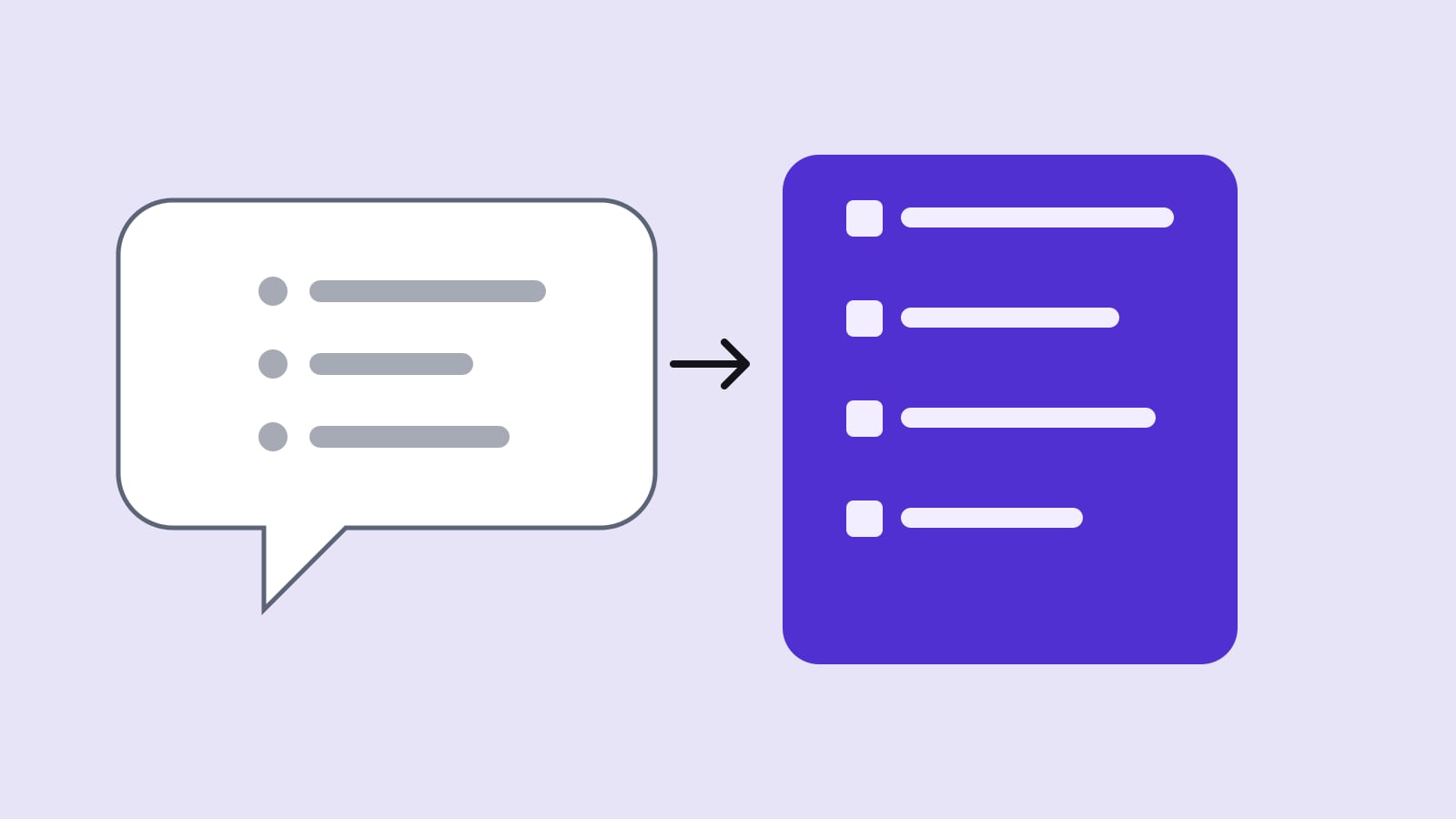
Copilot in Teams meetings lets each participant with a Microsoft Copilot licence ask questions about the meeting and suggests follow-up tasks, during the meeting and, if transcription runs, after it. Konsaro's Minutes Copilot takes a Teams, Zoom or Webex transcript and drafts board minutes per agenda item, with task suggestions that a person accepts. Teams Copilot is enough for working notes; minutes that the board approves and signs need a structure around agenda items, votes and decisions.
Who wrote this comparison, and what is it based on?
Konsaro wrote this post, and Konsaro sells a minutes tool, so read it with that in mind. Microsoft is not a board portal vendor, but many boards ask whether Copilot in Teams makes a separate minutes tool unnecessary. Every statement about Microsoft comes from the Microsoft Learn page «Manage Microsoft Copilot in Teams meetings and events» (page marked as last updated 26 October 2026), which we read on 29 October 2026. Statements about Konsaro come from our published product facts. Where we have not tested something ourselves, we say so.
Before writing we searched the question in English and looked at what the first results cover. They explain how to run Copilot in Teams, what a recap contains and what it costs. Their comparisons are mostly between AI note-takers in general. What we did not find is a plain answer for a board secretary: which parts of the minutes can Copilot produce, which parts stay with a person, and who may see what. That is what this post covers.
What does Copilot in Teams meetings do?
According to Microsoft, Copilot in Teams meetings and events captures important conversation points. Each participant with a Microsoft Copilot licence, in a meeting or in an event of up to 1,000 attendees, can ask prompts that only they can see. Participants and organisers can learn who said what and where people agree or disagree, and Copilot can recommend follow-up tasks in real time. It needs an add-on Microsoft Copilot licence for each intended user.
In events optimised for large audiences, only organisers, co-organisers and presenters can use Copilot during the event. Copilot in Teams meetings and events is not available in end-to-end encrypted meetings, and Microsoft states it is not currently available for GCC High.
The organiser's three choices
The meeting organiser picks one of three values in the meeting options:
- During and after the meeting: once someone starts transcription, licensed users can select the Copilot button during and after the meeting or event.
- Only during the meeting: once someone with a licence selects the Copilot button, Copilot runs for all licensed users. It relies on speech-to-text data that is not saved after the meeting ends.
- Off: nobody can use Copilot. Microsoft states that this also turns off recording and transcription for that meeting.
What IT controls
An administrator sets the default in a meeting policy, in the Teams admin centre under Meetings, Meeting policies, Recording & transcription, or with the -Copilot parameter of the PowerShell cmdlet Set-CsTeamsMeetingPolicy. The documented policy values are On, On with saved transcript required (the default, and organisers cannot change it), On with transcript saved by default (organisers can change it) and Off. The transcription policy interacts with the organiser's choice: with transcription off and the organiser's option set to «During and after the meeting», licensed users cannot use Copilot unless another participant who is allowed to transcribe switches transcription on.
Retention is a separate topic. Microsoft notes that, depending on the organisation's Microsoft Purview retention policies, Copilot prompts and responses during meetings might be retained for compliance purposes even if recording and transcription are turned off. For a board that means the IT department, not the board secretary, decides how long Copilot interactions live.
What does Konsaro's Minutes Copilot do?
The Minutes Copilot works per agenda item. It receives the item's title, type and description, the meeting transcript (pasted text or a .vtt file) and any notes already written in the minutes, and drafts the minutes for that item. It also suggests tasks from the transcript, and a person accepts or dismisses each suggestion. The board office reviews and edits the draft before anything is published.
The AI requests are processed in the EU with zero data retention, board material is not used to train AI models, and organisation admins can switch AI off for the whole organisation. The draft is a draft: the minutes keep comments and a version history, and the board office can share the draft with selected people for review before publishing. The minutes export as PDF. Konsaro is not a video tool, so the meeting itself still runs in Teams, Zoom or Webex.
How do the two compare, point by point?
| Criterion | Copilot in Teams meetings | Konsaro Minutes Copilot |
|---|---|---|
| Purpose | Prompts about the meeting (who said what, where people agree or differ) and follow-up task suggestions | Draft minutes per agenda item and task suggestions from the transcript |
| When | During the meeting; after it only if transcription ran and the organiser chose «during and after» | After the meeting, from a transcript you upload |
| Input | Live meeting audio and transcript inside Teams | Transcript from Teams, Zoom or Webex (text or .vtt), plus agenda item and notes already in the minutes |
| Who sees the output | Each licensed participant sees their own prompts and answers | The board office, who edits and then publishes |
| Structure | Answers to free prompts | Minutes per agenda item, kept next to votes, the decisions register and open tasks |
| Licence | Add-on Microsoft Copilot licence for each user | Part of Konsaro; plans on the pricing page |
| Data | Microsoft 365 tenant, under its Purview retention policies | Board data in Zürich, application servers in the EU, AI in the EU with zero data retention |
| Meetings outside Teams | Not applicable | Works with Zoom and Webex transcripts too |
| End-to-end encrypted meetings | Copilot not available | Depends on whether you can obtain a transcript at all |
Where is Teams Copilot enough?
If your board meets in Teams, everyone who needs it has a Copilot licence, and IT has set clear policies for transcription and retention, Teams Copilot gives a fast first view of what was discussed. It is a good fit for three situations.
- Working notes for the secretary. Ask who said what about a topic, check a number you missed, or pull together the open questions. The answers are only visible to the person asking.
- Executive team and project meetings, where minutes are a list of actions rather than a record the board signs.
- Late joiners. A director who missed the first twenty minutes can ask what was said, if the meeting is set to «during and after».
In all three, the person asking remains responsible for checking the answer against what was said. Microsoft's page documents how to enable the feature and who can use it; it does not claim that a Copilot answer is a finished set of minutes, and neither do we.
Where does a board need more than Teams Copilot?
Board minutes are a formal record. Under Art. 713 para. 3 of the Swiss Code of Obligations (OR), proceedings and resolutions of the board of directors are minuted and the minutes are signed by the chair and the minute-taker (Protokollführer). Further details of how the board keeps its minutes can be set out in its organisational regulations. In practice that means a structure that a free-form recap does not give you by itself.
- Per agenda item. The minutes follow the agenda, so each item gets its own entry, not a chronological summary of the call.
- Resolution wording. A decision is recorded with its exact wording, who voted how and the result, not a paraphrase of the discussion.
- Tasks with owner and deadline, carried into the next meeting until done.
- Attendance, conflicts of interest and recusals, which the transcript only shows indirectly.
- Distribution. Draft minutes go to a defined circle for review before they go to everyone. Directors are often external and do not work in your Microsoft tenant.
A recap answers a question someone asked. Minutes answer a question the board will ask in two years: what exactly did we decide, who was present, and on what basis. Those need a home that stays with the agenda, papers and votes. In Konsaro the draft lands in the minutes editor of the meeting, next to the agenda item it belongs to.
What does the workflow look like with both tools?
Many boards meet in Teams anyway, so the practical question is how to use the transcript. This is the order we suggest, with an owner for each step. «S» is the board secretary (VR-Sekretariat), «C» the chair, «IT» your Microsoft administrator.
| Step | What happens | Owner |
|---|---|---|
| 1 | Before the meeting, check the meeting options: transcription allowed, and Copilot set to «during and after» if you want questions afterwards. Tell participants that transcription runs. | S, with IT for the policy |
| 2 | Start transcription at the opening of the meeting; stop it for in-camera sessions the board wants unrecorded. | S |
| 3 | After the meeting, download or copy the transcript. Remove anything that must not leave the room, such as an in-camera section. | S |
| 4 | Upload the transcript to the meeting in Konsaro and run the Minutes Copilot per agenda item. | S |
| 5 | Read every item against the transcript and against your own notes. Correct names, numbers, resolution wording and votes. | S |
| 6 | Accept or dismiss each suggested task; set owner and due date. | S, then C |
| 7 | Share the draft with the chair for review, then publish. | C |
| 8 | Decide how long the raw transcript is kept and who may read it. This is a retention decision, not a minutes decision. | S, C and IT |
The detailed steps for turning a transcript into minutes are in our guide on AI minutes from a Teams or Zoom transcript. For the review itself, use the checklist below.
A worked example: Muster AG, item 4
The following is invented. Muster AG is a fictional company, and the names, amounts and wording are made up to show how a transcript becomes a minute entry.
Agenda item 4 is «Credit facility renewal», type: approval. The chair opens, the CFO presents, two directors ask about the covenant. The transcript runs several pages. A Teams recap of that stretch might read: «The board discussed renewing the credit facility. The CFO explained the terms. One director raised a concern about the covenant. The board seemed to agree.» That is a fair summary of the talk, and it is not a minute: it has no resolution, no figure and no vote.
The minute entry the secretary needs to end up with looks like this:
- Item 4, Credit facility renewal (approval). Presented by the CFO.
- Discussion: the board asked for the covenant to be tested against the budget scenario; the CFO will provide the calculation.
- Resolution: the board approves the renewal of the credit facility of CHF 2,000,000 with the existing bank on the terms of the offer dated 3 November. Result: approved, 4 yes, 0 no, 1 abstention.
- Task: CFO to send the covenant calculation to all directors by 15 November.
The Minutes Copilot's job is to get from the transcript to a draft of that shape. The secretary's job is to check the three facts that matter most: the amount, the vote count and the deadline. A model can mishear a number or attribute a remark to the wrong person, and Microsoft's own documentation does not promise otherwise for Copilot. That is why Konsaro frames every AI result as a draft the board office reviews.
What are the common mistakes?
- Treating the recap as the minutes. A summary on request is not approved by anyone and is not signed.
- Letting each director run their own Copilot prompts and then relying on those answers in the board's name. They are visible only to the person asking, so nobody else can check them.
- Forgetting that the transcript is itself a record. If it is kept in the tenant, it can be read and requested like any other file; set its retention deliberately.
- Starting transcription in a session the board wanted unrecorded. Pause or stop it, and cut that stretch before upload.
- Assuming Copilot is available everywhere. It is not available in end-to-end encrypted meetings, and organisers can set it to Off, which also switches off recording and transcription.
- Skipping the vote count. Neither transcript nor recap shows a silent show of hands unless someone says the result aloud.
Which should you choose?
| If this describes you | Lean towards |
|---|---|
| The board meets in Teams, wants quick answers, and the minutes are short action lists | Copilot in Teams, with clear IT policies |
| The board approves and signs minutes per agenda item, with resolutions and votes | A board portal minutes tool, fed by the Teams transcript |
| Some directors are external and cannot or should not sit in your tenant | A board portal, because access follows the board, not the tenant |
| Meetings are in Zoom or Webex, or a mix | A tool that takes a transcript from any of them |
| You already pay for Copilot licences for the whole organisation | Use Copilot for working notes, and add the minutes tool only if the structure is missing |
| IT has not decided how long Copilot prompts and transcripts are kept | Settle that first; it applies to either route |
Konsaro's disclosure again: we make the second option, so weigh our view accordingly. What we can say honestly is that the two are not rivals for the same job. Teams Copilot helps people in the meeting; the Minutes Copilot helps the board office produce the record afterwards. More on AI copilots, minutes and follow-up and the page for corporate secretaries. If you are comparing the general AI note-takers too, see AI board minutes compared and Microsoft Copilot and board paper permissions.
Frequently asked questions
Does Copilot in Teams write board minutes?
It answers prompts about the meeting and suggests follow-up tasks. It does not by itself produce minutes structured by agenda item, resolution and vote; someone still writes or checks those.
What licence does Teams Copilot need?
According to Microsoft Learn, an add-on Microsoft Copilot licence for each user who wants to use it. Check the current licence terms with Microsoft or your reseller.
Is the Teams transcript kept?
That depends on the meeting option and your organisation's policies. In «only during the meeting» the speech-to-text data is not saved after the meeting; Purview retention policies may still keep Copilot prompts and responses.
Can a director switch Copilot off for a meeting?
The organiser can set Copilot to Off in the meeting options, and an administrator can set Off as the default in the meeting policy. Off also turns off recording and transcription for that meeting.
Can Konsaro use a Teams transcript?
Yes. Upload the transcript as pasted text or a .vtt file, and the Minutes Copilot drafts the minutes per agenda item. Transcripts from Zoom and Webex work the same way.
Who is responsible for the content of AI-drafted minutes?
The people who approve and sign them. In Swiss law the minutes of the board are signed by the chair and the minute-taker (Art. 713 para. 3 OR), so both need to have read the draft, whoever or whatever produced the first version.
Which AI does Konsaro use?
AI models in the EU with zero data retention. Board material is not used to train AI models, and organisation admins can switch AI off.
Does the Minutes Copilot replace the board secretary?
No. It produces a first draft per agenda item and suggests tasks. The board office reviews every result before it is shared.
Sources
- Microsoft Learn: Manage Microsoft Copilot in Teams meetings and events (page last updated 2026-10-26) (checked 29 October 2026)
- Obligationenrecht (SR 220), Art. 713: board resolutions and minutes (fedlex, German text) (checked 29 October 2026)
- Konsaro: AI copilots (checked 29 October 2026)